
What LinkedIn Analytics Actually Tell You (And What They Don’t)
Posting on LinkedIn has become a standard part of personal branding and business growth. Whether you are a consultant, founder, recruiter, or agency owner, chances are you’ve checked your post performance and wondered if those numbers are actually helping you move toward your goals.
The challenge is that many professionals either obsess over analytics or ignore them completely. One group treats every spike in impressions as a major win, while the other assumes the numbers don’t matter at all. The truth lies somewhere in the middle. LinkedIn analytics can provide valuable information about your audience and content performance, but they don’t tell the entire story behind your growth, influence, or business results.
Understanding what LinkedIn analytics can and cannot reveal helps you make smarter decisions. Instead of chasing vanity metrics, you can focus on the insights that actually contribute to visibility and meaningful opportunities. In this guide, you will get to know all the necessary details that are important to know about linkedin analytics.
Understanding LinkedIn Analytics: Why the Numbers Matter
When people talk about understanding LinkedIn analytics, they often focus on surface-level numbers like views, likes, and followers. While these metrics are important, their real value comes from the patterns they reveal over time.
Analytics help you identify what resonates with your audience. They can show which topics generate engagement, when your audience is most active, and what type of content encourages conversations. Without analytics, content creation becomes guesswork.
However, numbers should always support strategy rather than replace it. A post that receives fewer reactions may still attract the exact audience you want to reach, while a highly engaged post may bring attention from people who are unlikely to become clients, customers, or professional connections.
Where to Find LinkedIn Analytics and Navigate the LinkedIn Analytics Dashboard
One of the most common questions professionals ask is where to find LinkedIn analytics. Fortunately, LinkedIn makes analytics accessible through several areas of the platform.
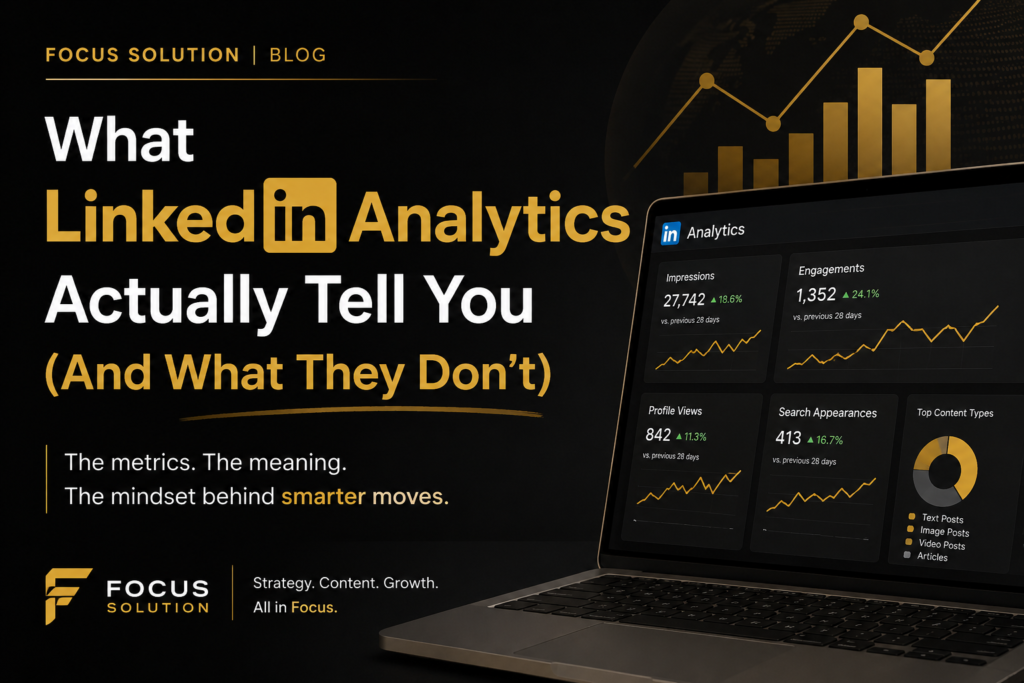
The LinkedIn analytics dashboard provides data on post performance, profile views, audience demographics, follower growth, and engagement trends. Individual posts also include their own analytics, allowing you to see impressions, reactions, comments, reposts, and click activity.
While the dashboard provides useful information, many users make the mistake of checking it daily and reacting emotionally to every fluctuation. Analytics become more valuable when viewed over weeks or months rather than isolated snapshots.
How to View LinkedIn Analytics Without Getting Lost in the Data
Knowing how to view LinkedIn analytics is just as important as knowing where to find them. The platform provides a large amount of data, but not every metric deserves equal attention.
Start by focusing on a few key indicators:
- Content Engagement
- Profile Views
- Follower Growth
- Audience Demographics
- Click-Through Activity
These metrics provide a clearer picture of how your content is performing and whether it is attracting the right people.
Many creators spend too much time celebrating impressions. While reach is helpful, impressions simply indicate that your content appeared on someone’s screen. They do not confirm that people read, remembered, trusted, or acted on your message.
The LinkedIn Analytics Insights That Reveal Real Audience Interest
The most valuable LinkedIn analytics insights often come from examining engagement patterns rather than individual numbers.
For example, if certain topics consistently generate comments from decision-makers, that tells you more about audience interest than a post receiving hundreds of reactions from unrelated users. Comments, saves, shares, and meaningful discussions often indicate stronger engagement than passive views.
Audience demographics can also provide useful insights. Understanding who is interacting with your content helps you determine whether your message is reaching your ideal audience. If your goal is to attract business owners but most engagement comes from students or job seekers, your content strategy may need adjustment.
The strongest insights come from combining multiple data points rather than relying on a single metric. Patterns reveal opportunities; isolated numbers often create distractions.
What LinkedIn Analytics Reports Can and Cannot Tell You
Many professionals rely on LinkedIn analytics reports to measure success, but it’s important to understand their limitations.
Analytics reports can accurately show:
- Reach and impressions
- Engagement activity
- Audience demographics
- Follower growth
- Profile visits
- Content performance trends
These metrics help you understand what happened on the platform.
What analytics reports cannot tell you is often even more important. They cannot fully measure trust, authority, influence, or buying intent. They also cannot reveal how many people quietly viewed your content, discussed it internally, or remembered your expertise weeks later.
A prospect may consume your content for months before reaching out. None of that relationship-building activity appears clearly inside your analytics dashboard.
Turning LinkedIn Analytics Reports Into Better Content Decisions
The best way to use LinkedIn analytics reports is as a decision-making tool rather than a scorecard.
Instead of asking, “Did this post go viral?” ask questions such as:
- Did this attract my ideal audience?
- Did people engage with the message?
- Did it generate profile visits?
- Did it support my personal brand?
- Did it create opportunities for conversations?
These questions shift your focus from popularity to effectiveness.
Over time, analytics can help you identify content themes, formats, and topics that consistently perform well with your target audience. This allows you to refine your strategy without becoming dependent on short-term results.
The most successful LinkedIn users don’t chase numbers. They use data to make informed decisions while keeping their attention on long-term goals.
Conclusion
LinkedIn analytics are valuable, but they are not the complete picture. They can show how people interact with your content, reveal audience trends, and highlight opportunities to improve your strategy. They help you understand what is happening on the platform, but they cannot fully measure influence, trust, reliability or future business opportunities.
The professionals who gain the most value from analytics understand this distinction. They use the data to guide decisions rather than define success. By focusing on meaningful patterns instead of vanity metrics, you can create content that not only performs well but also strengthens your reputation, grows your network, and supports your long-term objectives on LinkedIn.