
How to Find Qualified Leads with Sales Navigator: A Data-Backed Playbook
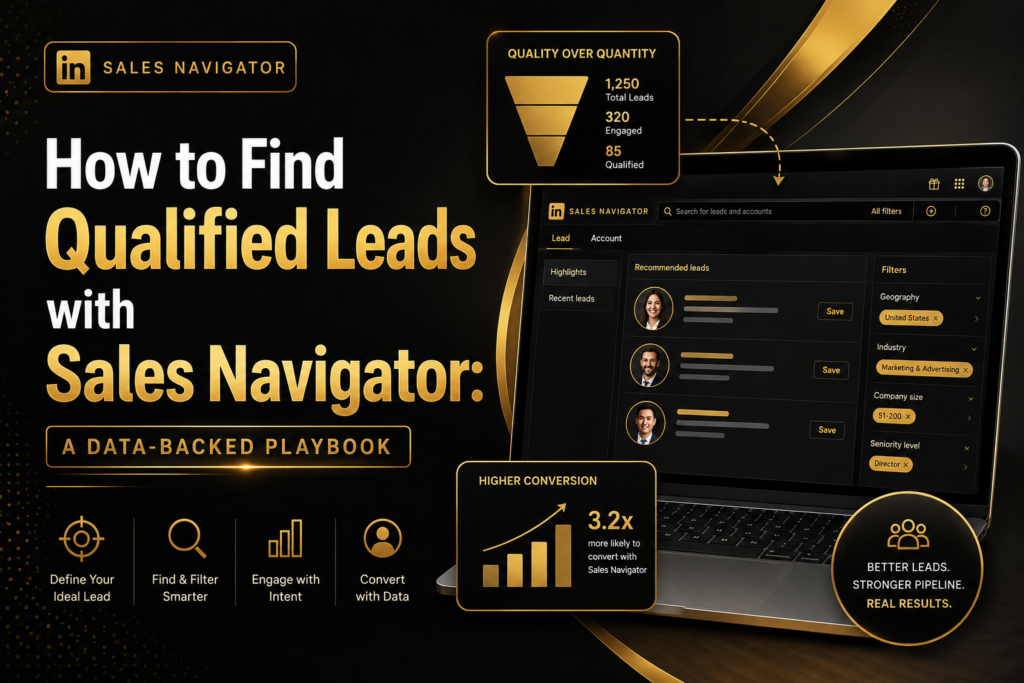
A tool that pays for itself in under six months and returns 312% on investment over three years is not a “nice to have” it is a competitive necessity (LinkedIn Sales Solutions, 2023). That is what Forrester found when it studied organizations using LinkedIn Sales Navigator, and it explains why the platform has become the backbone of modern B2B prospecting. Yet owning a Sales Navigator and using it well are two different things. Most sales professionals scratch the surface of its search and intent-signal capabilities, missing the qualified leads sitting in plain sight because they treat the tool like a glorified contact list rather than a targeting system.
This guide breaks down exactly how to find qualified leads with Sales Navigator from building a precise Ideal Customer Profile, to using advanced filters, to acting on buyer intent signals, to converting connections into real conversations. Along the way, every recommendation is grounded in data rather than opinion, so you can see the actual return each step produces before you invest the time.
Why Sales Navigator Has Become Essential for B2B Prospecting
Sales Navigator is now trusted by more than 1.5 million sellers worldwide, and that scale is not accidental (LinkedIn Sales Solutions, 2023). Forrester’s Total Economic Impact study found that organizations using the platform saw an average year-over-year revenue increase of 8%, with the revenue directly attributable to Sales Navigator climbing from 20% in year one to 30% by year three (LinkedIn Sales Solutions, 2023). That is not a marginal bump it is a compounding return that grows as teams get better at using the tool.
The reason is structural. B2B buyers no longer follow a single, predictable path to purchase. McKinsey’s 2026 Global B2B Pulse research found that buyers now use an average of 10.2 distinct channels during a single purchase journey, splitting their interactions roughly evenly across in-person, remote, and digital self-serve channels what McKinsey calls the “rule of thirds” (McKinsey & Company, 2026). Sales teams that rely on a single prospecting channel are structurally unable to meet buyers where they actually are. Sales Navigator closes that gap by giving sellers a direct line into the digital and remote thirds of that journey.
The Cost of Getting Prospecting Wrong
Every hour spent chasing an unqualified lead is an hour not spent on a buyer who is ready to engage. Before Sales Navigator, Forrester’s interviewees reported spending roughly a quarter of their week on manual research alone (LinkedIn Sales Solutions, 2023). That is a quarter of a sales team’s payroll spent finding people, not selling to them. Fixing that starts with precision, not volume.
Build Your Ideal Customer Profile Before You Search
The single biggest mistake in Sales Navigator prospecting is opening the search bar before defining who actually belongs in the results. An Ideal Customer Profile (ICP) is the filter behind the filters it tells you which combination of criteria actually predicts a qualified lead.
Firmographic Criteria
Start broad, then narrow: industry, company size, revenue band, growth stage, geography, and technology stack. These are the fields that separate a company that can buy from one that cannot.
Persona Criteria
Job title alone is a weak signal. Layer in seniority level, time in role, and recent job changes someone who just stepped into a role is statistically more likely to be evaluating new vendors and tools than someone who has been settled for years.
Buying-Committee Mapping
Complex B2B deals rarely have a single decision-maker. Identify both the budget holder and the secondary influencers who shape the decision, since outreach that only targets the top of the org chart misses the people who actually build the business case internally.
Revisit the ICP Every Quarter
An ICP built once and never revisited quietly goes stale as your product, market, and win-loss data evolve. Reviewing it quarterly against your closed-won deals not your open pipeline keeps the criteria honest, because closed-won deals show you who actually bought, not just who looked promising on paper.
Use Advanced Search Filters to Narrow Down Qualified Leads
Once the ICP is defined, Sales Navigator’s filter set becomes a precision instrument rather than a blunt search box. Filtering by industry, headcount, seniority, geography, and keyword together rather than one at a time is what separates a list of 500 loosely relevant names from a list of 50 genuinely qualified leads.
Save Searches, Don’t Just Run Them
A saved search becomes a live lead-generation engine: it continues to surface new prospects automatically as people change jobs or companies grow into your target range. This is where the platform’s efficiency gains compound. Forrester found that Sales Navigator users cut the total time they spent on research from 25% of their week down to just 10%, saving each user roughly 65 hours a year (LinkedIn Sales Solutions, 2023). Across a full sales team, that time returns directly to selling activity outreach, discovery calls, and deal progression.
Use Boolean and Keyword Search for Precision
Combining quoted phrases with Boolean operators inside the keyword field lets you search entire profiles, not just job titles, surfacing prospects who mention specific initiatives, tools, or pain points relevant to your offer.
Leverage Buyer Intent Signals and Alerts
A qualified lead is not just someone who fits your ICP it is someone who fits your ICP and is showing signs of being ready to engage. This is where most reps leave value on the table. Sales Navigator’s Alerts and buyer-intent dashboard track activities like a prospect viewing your profile, engaging with your company’s content, or responding to an InMail, and surface them so reps can prioritize accordingly.
Acting on these signals has a measurable payoff: LinkedIn’s data shows that engaging with a prospect when they are showing buyer intent produces a 71% higher InMail response rate and a 22% higher win rate compared to outreach without that context (LinkedIn Sales Solutions, 2023). In practice, this means the order of your outreach matters as much as its content a well-timed message to a warm signal will consistently outperform a well-written message sent cold.
Find the Warm Path In
Features like TeamLink surface colleague and former-colleague connections at a target account, which matters because a referral path is almost always more effective than an unprompted cold approach. If no warm connection exists, the buyer-intent dashboard becomes the next-best signal for a natural, well-timed conversation starter.
Turn Leads into Conversations: Outreach Best Practices
Finding a qualified lead is only half the job the outreach itself determines whether that lead converts into a meeting. LinkedIn’s own data shows that InMail messages are three times more likely to be accepted than a cold call, and six times more likely than a cold email (LinkedIn Sales Solutions, 2023). That gap exists because InMail arrives inside a professional context the prospect already trusts, rather than an inbox or phone line they associate with interruption.
A few principles consistently improve response rates: reference something specific from the prospect’s profile or recent activity rather than opening with a generic pitch; keep the first message short enough to read in ten seconds; and always give the prospect a low-friction way to respond, such as a simple question rather than a meeting request. Combined with the buyer-intent timing discussed above, this is how qualified leads move from a saved list into an active pipeline.
Common Mistakes That Sink Lead Quality
Even sellers who invest in Sales Navigator often undercut their own results with a handful of avoidable habits.
Searching Without Saving
Running a one-off search find leads for today; saving that search finds leads for the next twelve months. Reps who skip this step end up manually re-running the same criteria week after week instead of letting the platform surface fresh matches automatically.
Treating Every Filter Match as Equal
A prospect who matches every firmographic filter but shows zero engagement signals is not the same quality of lead as one who matches fewer filters but has recently viewed your profile or engaged with your company’s content. Prioritizing by fit alone, without layering in intent, is one of the most common reasons pipelines look full but convert poorly.
Sending Generic First Messages
The efficiency gained from precise filtering is wasted if the resulting message could have been sent to anyone. A first message that references a specific detail from the prospect’s profile, recent post, or company news takes an extra thirty seconds to write and meaningfully changes whether it gets a reply.
Conclusion: Turn Precision Into Pipeline
Sales Navigator is not a lead list generator it is a system for finding the right prospects and reaching them at the right moment. The data bears this out: organizations that use it well see meaningful revenue lift, reclaim dozens of hours per rep each year, and see measurably higher response and win rates when they act on buyer intent (LinkedIn Sales Solutions, 2023). The playbook is straightforward even if it takes discipline to execute: define your ICP before you search, use saved searches and precise filters to keep your pipeline fresh, prioritize leads showing real buying signals, and lead with personalized, well-timed outreach rather than volume. If your current prospecting process skips any one of these steps, that is exactly where your qualified leads are slipping through the cracks. Start by auditing your own ICP this week, and rebuild your saved searches around it.