
How to Write a LinkedIn About Section That Builds Trust

A stranger opens your profile. In a few seconds, they decide whether you seem credible. Your LinkedIn About section does most of that work.
This guide shows you how to write one that earns belief. You’ll learn a five-step method, see a copy-ready template, and read three annotated LinkedIn About section examples. The examples are original, with placeholder details. Swap in your own facts.
Quick answer: A trustworthy LinkedIn summary opens with a specific hook and says who you help. It backs every claim with checkable proof and ends with one clear next step. Write it in the first person.
What Makes a LinkedIn About Section Trustworthy?
Trust comes from proof, not adjectives. Anyone can write “results-driven leader.” Few can write “cut onboarding from 21 days to 9 across a 40-person team.”
Your LinkedIn profile summary answers three silent questions. Who are you? Can you do what you claim? What happens if I reach out?
The Four Trust Signals
| Trust signal | What it looks like | What it replaces |
| Specificity | Named industries, roles, and tools | “I work with many clients” |
| Proof | Numbers, outcomes, credentials | “I deliver great results” |
| Consistency | Claims that match your Experience section | A profile that contradicts itself |
| Clarity | Short sentences and plain words | Jargon and buzzword stacks |
If a sentence fails all four, cut it.
Why Vague Claims Backfire
Words like “passionate,” “dynamic,” and “team player” appear on millions of profiles. Readers skip them. Worse, they suggest you had nothing concrete to say.
Replace each vague word with evidence. “Passionate about data” becomes “I built the weekly sales dashboard 12 managers now use.” That one line does more for your credibility than a paragraph of adjectives.
LinkedIn About Section Mechanics to Know Before You Write
Format affects trust. A wall of text feels like homework. A scannable layout respects the reader.
Character Limit and the “See More” Fold
The About section allows 2,600 characters. That equals roughly 400 words. Your headline gets far less room at 220 characters
The fold matters more than the limit. One 2026 guide reports that only the first 300 or so characters show before “See more.” Another notes that the feed also limits how many lines it displays. Exact cutoffs shift by device. Check your own profile on desktop and phone after you publish.
The rule is simple. Put your strongest claim in the first 200 characters.
Links and Formatting
One analysis found that About-section URLs are clickable only on the iOS app, while web and Android show plain text. Don’t rely on them for traffic. Send readers to your Featured section instead.
What helps:
- Short paragraphs of one to three sentences
- Line breaks between ideas
- A small bulleted list for key results
What hurts:
- One giant block of text
- Heavy emoji use in conservative fields
- Decorative symbols that screen readers may read awkwardly
First Person or Third Person? Which Builds More Trust
Use first person. It sounds like a real human talking. The third person (“Maria is a seasoned strategist”) reads like a press release.
The About section is one of the few first-person spaces on LinkedIn. A university career-services style guide agrees. It advises writers to use first person rather than copy the strict tone of a resume.
| Factor | First person | Third person |
| Tone | Warm and direct | Formal and distant |
| Credibility | You own your claims | Can feel like self-praise from a ghostwriter |
| Best for | Nearly everyone | Some executives with formal bio traditions |
How to Write Your About Section in 5 Steps
Step 1: Define Your Reader and Goal
Decide who you want to reach. Recruiters? Clients? Partners? Your career goals shape every choice that follows.
Finish this sentence: “I want [type of person] to [take this action] after reading.” If you can’t, pause. Fuzzy goals produce fuzzy summaries.
Step 2: Gather Your Proof
Collect evidence from your professional experience before you write:
- Metrics such as revenue, time saved, or audience size
- Client or employer outcomes
- Credentials, awards, and publications
- Named projects with scope and dates
One style guide suggests listing no more than five accomplishments. That limit forces you to pick your best.
Respect confidentiality too. The same guide reminds writers to consider employer confidentiality terms, including financial data and customers. When you can’t name a client, describe the type: “a regional hospital network.”
Step 3: Write the First Two Lines
This step decides whether anyone keeps reading. Choose one formula:
- Problem-first: “Most small clinics lose 15% of appointments to no-shows. I fix that.”
- Outcome-first: “I help B2B software teams cut churn through better onboarding.”
- Credibility-first: “After 11 years in hospital pharmacy, I now build safer medication workflows.”
- Story-first: “My first job was stocking shelves at 5 a.m. It taught me how supply chains work.”
Avoid “I’m a passionate professional with a proven track record.” It wastes your best lines.
Step 4: Show How You Work and Add Proof
Describe your method in two sentences. This is where your professional story and personal brand take shape. “I start every project with a 30-minute audit” beats “I take a collaborative approach.”
Then list results with numbers and timeframes:
- Grew organic traffic from 8,000 to 31,000 monthly visits in 14 months
- Led a team of 9 through a full CRM migration
Use your own real figures. One exaggeration poisons every other claim.
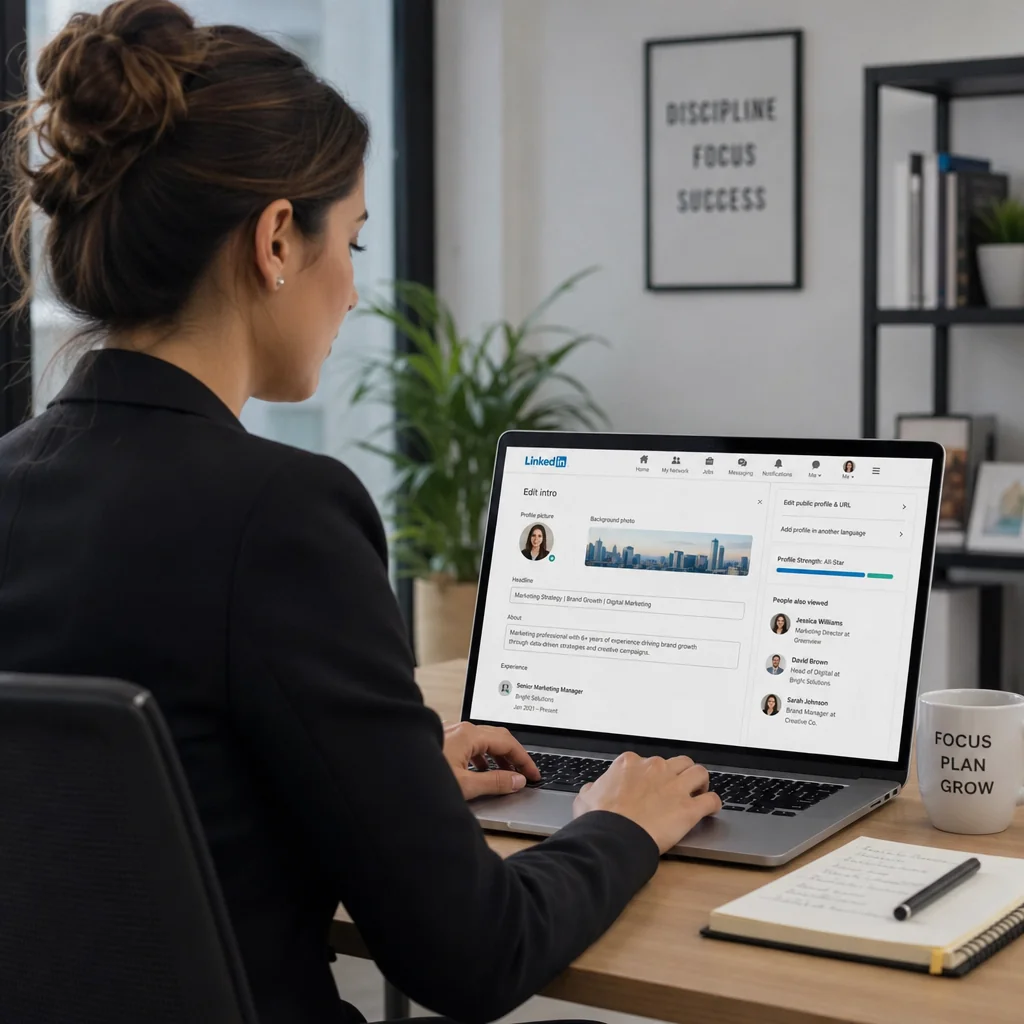
Step 5: Close With One Next Step and Edit Hard
Offer a single action. “Message me if you’re hiring a finance analyst.” Then cut the filler. Read the whole piece aloud. Remove any claim you couldn’t defend in an interview.
Fill-in-the-Blank LinkedIn About Section Template
[Hook: one specific sentence about the problem you solve.]
I’m a [role] who helps [audience] [achieve outcome]. I’ve spent [number] years in [field].
How I work: [Two sentences on your method.]
Selected results:
- [Result with number and timeframe]
- [Result with number and timeframe]
If you [situation], message me. I reply within [timeframe].
LinkedIn About Section Examples by Role
These examples use placeholders. Replace every bracket and number with verified facts.
Consultant
Most growing e-commerce brands waste a third of their ad budget on the wrong customers. I help them find the right ones.
I run [Agency Name], a six-person paid media consultancy. We serve direct-to-consumer brands earning $2M to $20M a year. Every engagement starts with a two-week spend audit.
Message me with your monthly ad spend for a free audit outline.
Why it builds trust: It names an audience and a revenue range. It also describes a process.
Job Seeker or Career Changer
I spent nine years as a high school math teacher. Now I’m moving into data analysis.
Teaching taught me to explain hard ideas to tough audiences. Last year I finished [named certificate] and built three public projects.
I’m seeking junior analyst roles in education technology. My portfolio sits in the Featured section.
Why it builds trust: It admits the pivot openly. It links old expertise to the new goal and points to proof.
Sales Professional
I sell cybersecurity software to hospital systems. I also say no to deals that don’t fit.
Over six years, I’ve held 112% average quota attainment. I spend more time listening than pitching.
Why it builds trust: Turning down bad fits breaks the pushy-seller stereotype. Quota data adds proof.
Case Study: Rewriting a Vague Summary
This illustrative composite is not a real client.
Before: “Results-driven marketing professional with a passion for growth. Proven track record in fast-paced environments. Looking for new opportunities.”
After: “I help regional credit unions attract younger members through email and social campaigns. At [Credit Union], I grew monthly applications from under 40 to over 110 in a year. I’m open to marketing manager roles in financial services. Message me for my campaign breakdowns.”
The rewrite names an audience, adds a result, states a goal, and offers a next step. It’s also shorter. Notice that it never uses the word “passionate.”
Building Trust in Tricky Situations
Careers rarely run smoothly. Handle bumps directly.
- Early career: Lead with projects, internships, volunteer work, and certifications.
- Career change: Name the pivot in your first lines. Hiding it invites suspicion.
- Employment gap: Use one factual sentence, then shift to what you offer.
- Regulated fields: Finance, law, and healthcare carry advertising rules. Avoid guarantees and superlatives. Rules vary by regulator and jurisdiction. Check with your compliance team first.
Make It Searchable and Consistent
Recruiters search by job titles and skills. Use natural phrases a person would type, such as “supply chain analyst.” Place main terms early. Never paste a keyword list.
Readers also cross-check your profile. Align these elements:
- Headline: Matches your role and audience
- Featured section: Holds proof like case studies
- Experience: Backs every result you cite
- Recommendations: Confirm your claims through other voices
Contradictions erode trust faster than typos.
Can You Use AI to Write Your About Section?
Yes, with care. AI helps you reorganize notes and tighten sentences. It also produces generic phrasing and sometimes invents details.
Before you publish an AI-assisted draft, check four things:
- Does every number come from your records?
- Does it sound like how you speak?
- Did you remove stock phrases?
- Does it include one detail only you could write?
Common Mistakes and Fixes
| Mistake | Why it hurts trust | Fix |
| Opening with “passionate professional” | Wastes prime lines | Lead with a specific result |
| Listing duties only | Shows activity without impact | Add numbers |
| Writing in third person | Feels distant | Switch to first person |
| Exaggerating results | Collapses when checked | Use verifiable figures |
| Skipping a next step | Leaves readers unsure | Add one call to action |
| Ignoring mobile | Key points hide behind “See more” | Front-load your best claim |
Pre-Publish Checklist
- The first 200 characters state clear value
- Every number is accurate
- You wrote in first person
- No confidential details appear
- Your headline and Experience match
- One call to action closes the piece
- You previewed it on desktop and phone
Frequently Asked Questions
How long should a LinkedIn About section be?
Aim for 150 to 300 words. The platform allows more, but shorter text usually reads better.
What should the first line say?
State your clearest value in plain words. Name who you help and what changes for them.
Should I write in first or third person?
Use first person. It sounds human.
How often should I update it?
Review it every quarter. Revise it right after a new role, result, or shift in your career goals.
How do I write one with no experience?
Focus on projects, coursework, and skills. Be honest about where you are.